




MAXX Voice + Direct Routing
We connect Teams to your phone service so users dial out and take calls from the Teams dial pad.
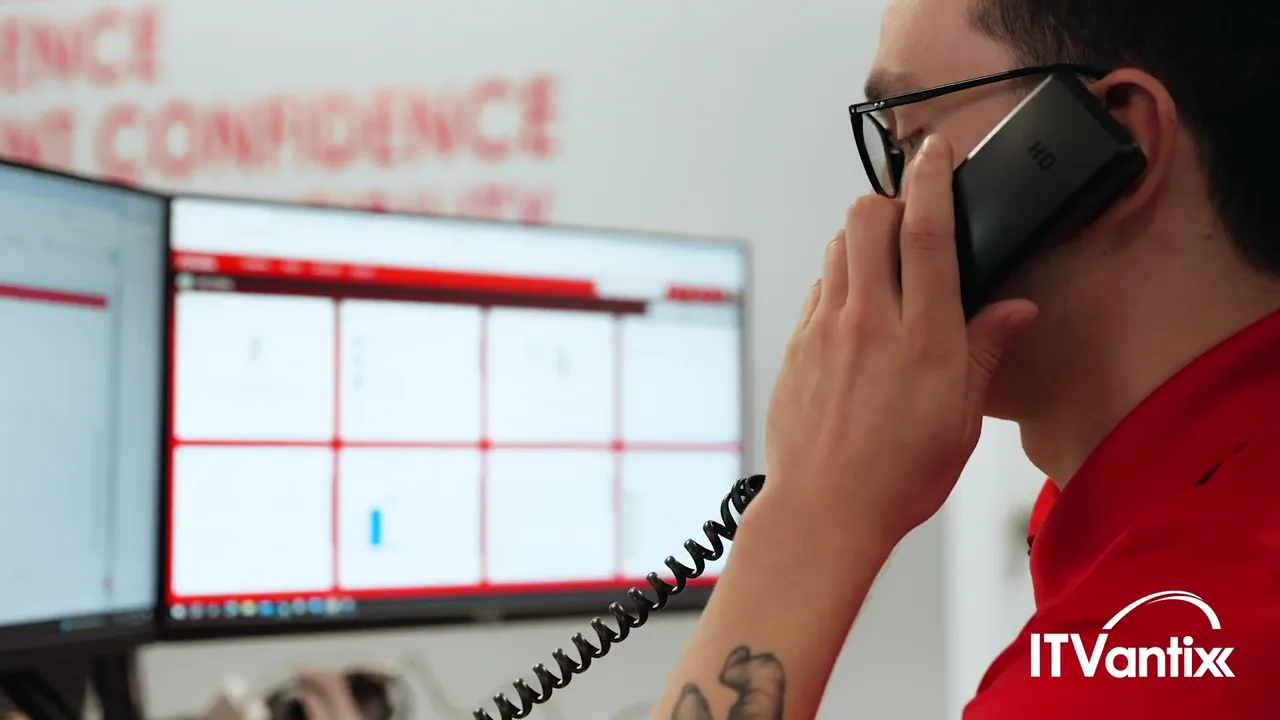 1:44WATCHITVantix Company Overview 2026See who we are in under two minutes
ITVantix connects Microsoft Teams to MAXX Voice so Georgia businesses can make and take business calls in Teams. Turn Microsoft Teams into your business phone. Chat, meetings and calls in one app, connected to MAXX Voice so your numbers, auto attendants and desk phones keep working.
Sound familiar?
Staff jump between apps and devices to talk to customers and coworkers.
Customers get personal numbers and calls fall outside your business.
Teams Phone, calling plans and add-ons are hard to sort out.
Networks that don't prioritize voice traffic make Teams calls sound bad.
What's included
We connect Teams to your phone service so users dial out and take calls from the Teams dial pad.
Teams connectors for PBX and SIP trunks let you add Teams without ripping out what works.
Send and receive texts from your business number inside Teams.
We provide and set up the licenses your users need for Teams Calling.
Emergency calling configured so your people can reach help quickly from wherever they work.
We make sure your network prioritizes voice traffic for clear calls.
Your team shown how to call, transfer and use voicemail in Teams.
Phones, Teams and Microsoft 365 supported by the same live-answer helpdesk.
Moving calls into Teams
ITVantix reviews your licenses, numbers and devices, maps numbers, auto attendants and call queues to Teams, then connects Direct Routing and tests emergency calling and your network before go-live.
Consultation
Licenses, numbers, call flows and devices reviewed.
Plan the cutover
Numbers, auto attendants and call queues mapped to Teams.
Connect & test
Direct Routing, emergency calling and network checked before go-live.
Train & support
Short training, then ongoing support from our helpdesk.
Teams Calling options
There are three: a Microsoft Calling Plan, desk phones only, or Teams connected to MAXX Voice. With MAXX Voice, staff call from the Teams app, keep desk phones where needed, text from your business number and keep an existing phone system.
| Feature | Microsoft Calling Plan | Desk phones only | Teams + MAXX Voice |
|---|---|---|---|
| Calls from the Teams app | Yes | No | Yes |
| Keep desk phones where you want them | Limited | Yes | Yes |
| Business texting from your number | No | Varies | Yes |
| Works with an existing phone system | No | Yes | Yes |
| Local setup, training & support | No | Varies | Yes |
Built for Georgia businesses
One business number that rings wherever people work.
Get more from Teams licenses you already pay for.
Desk phones at the front counter, Teams for everyone else.
Transfer calls between offices as easily as sending a chat.
Better together
FAQs
Yes. With the right licenses and a connection to a phone service such as MAXX Voice, staff can make and receive business calls from the Teams app on computers and phones, and you can keep desk phones where they make sense.
Direct Routing connects Microsoft Teams to a phone service provider instead of buying calling plans from Microsoft. It lets you keep your numbers and phone features while using Teams as the dial pad.
Yes. We move (port) your existing business numbers so customers keep calling the same numbers.
Users need a Microsoft 365 plan that includes Teams Phone, or a Teams Phone add-on. We'll review your licenses and provide what's missing.
Yes. Many clients keep desk phones at reception or on shop floors and use Teams on computers and mobile phones for everyone else.
Local Teams Calling setup
Office: Warner Robins (HQ)
Warner Robins · Macon · Perry · Byron · Bonaire · Kathleen · Fort Valley · Forsyth · Cordele · Hawkinsville · Milledgeville
Office: Peachtree City & Conyers
Atlanta · Peachtree City · Fayetteville · Newnan · Griffin · Tyrone · Conyers · Covington · McDonough · Stockbridge · Locust Grove · Social Circle · Eatonton
Office: Waycross
Waycross · Douglas · Blackshear · Valdosta · Brunswick · Tifton

Last reviewed by Jerry Bryan, CEO & Visionary
Reviewed for accuracy against our current service offerings.
Get a free consultation on licenses, numbers and setup, and see how calls would work in Teams.